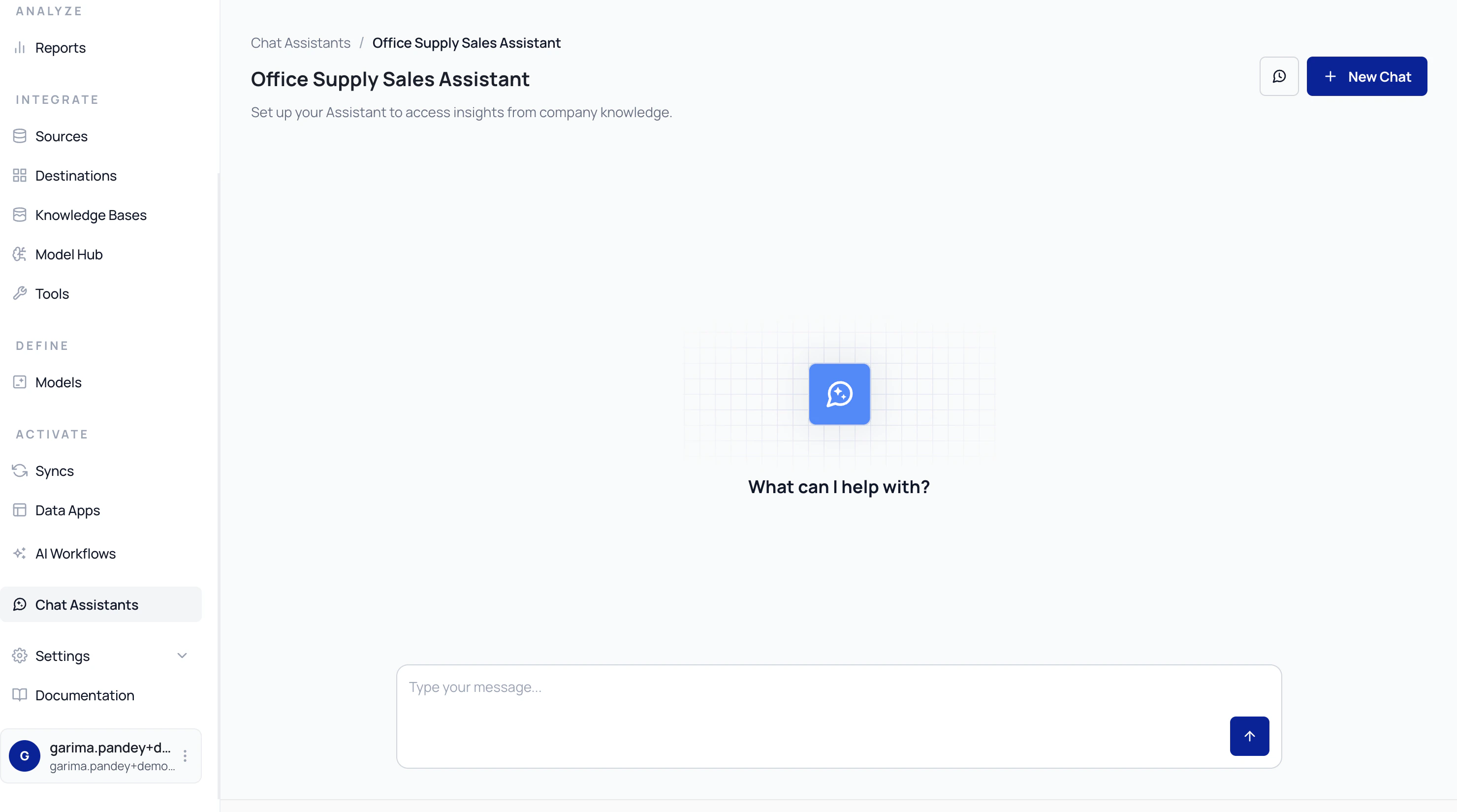
AI Assistants are the interfaces through which you can access published AI workflows.
Once an AI workflow is built and published, it can be exposed as an AI Assistant.
Assistants provide an interactive layer that allows users to submit queries and receive responses.
AI Assistants support:
- Executing published AI workflows through a chat-based interface
- Submitting natural language queries and viewing structured responses
- Uploading files as part of a conversation when the workflow includes a File Input component
- Capturing user feedback on responses
- Maintaining interaction history for ongoing conversations
AI Assistants can be deployed in multiple ways, including:
- As a hosted web-based chatbot
- Embedded within existing applications via iframe
- Integrated via APIs or supported platforms (such as Slack)
AI Workflows define how reasoning, data retrieval, and processing occur. Meanwhile, AI Assistants define how users interact with those workflows in production.
File uploads in chat assistants
When a workflow includes a File Input component with uploads enabled, users can attach files directly within the chat assistant interface. This works in both the hosted assistant and embedded deployments.
How it works:
- The chat input displays an attachment button when the workflow supports file uploads.
- You select one or more files to attach. Supported formats include PDF, DOC, DOCX, XLS, XLSX, CSV, TXT, and others.
- Attached files appear as chips in the input area with a loading indicator during upload.
- Once uploaded, you can preview or remove files before sending your message.
- When you send the message, the workflow processes the file contents alongside your query.
Uploaded files are scoped to your session and automatically removed when the session expires.
You can preview uploaded files directly in the chat interface. Supported previews include PDFs, spreadsheets, and text-based documents.
Embedded assistants
AI Assistants can be embedded within external applications using an iframe. Embedded assistants use a secure token-based authentication mechanism that restricts access to only the endpoints required for the chat experience.
Embedded assistants support the same capabilities as the hosted version, including:
- Conversational interactions with published workflows
- File uploads through the chat interface
- File previews and downloads
- Session-scoped interaction history