

Introduction
Models are designed to define and organize data, simplifying the process of querying from various sources.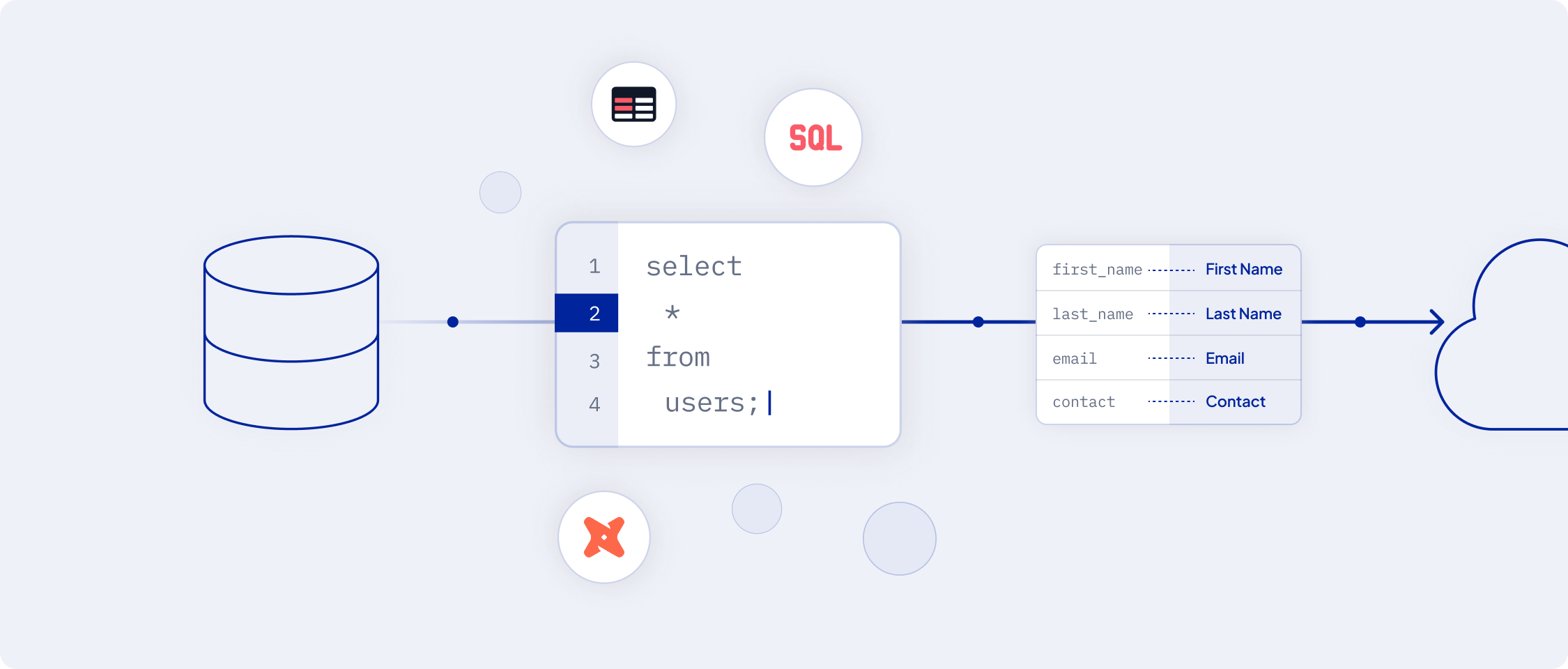 This guide outlines the process of creating a model, from selecting a data source to defining the model using various methods such as SQL queries, table selectors, or dbt models.
Understanding the Model Creation Process
Creating a model in AI Squared involves a series of steps designed to streamline the organization of your data for efficient querying. This overview will guide you through each step of the process.Step 1: Navigate to the Models Section
To start defining a model:- Access the AI Squared dashboard.
- Look for the
Definemenu on the sidebar and click on theModelssection.
Step 2: Add a New Model
Once you log in to the AI Squared platform, you can access the Models section to create, manage, and monitor your models.-
Click on the
Add Modelbutton to initiate the model creation process. - Select SQL Query, Table Selector, or dbt Model as the method to define your model.
Step 3: Select a Data Source
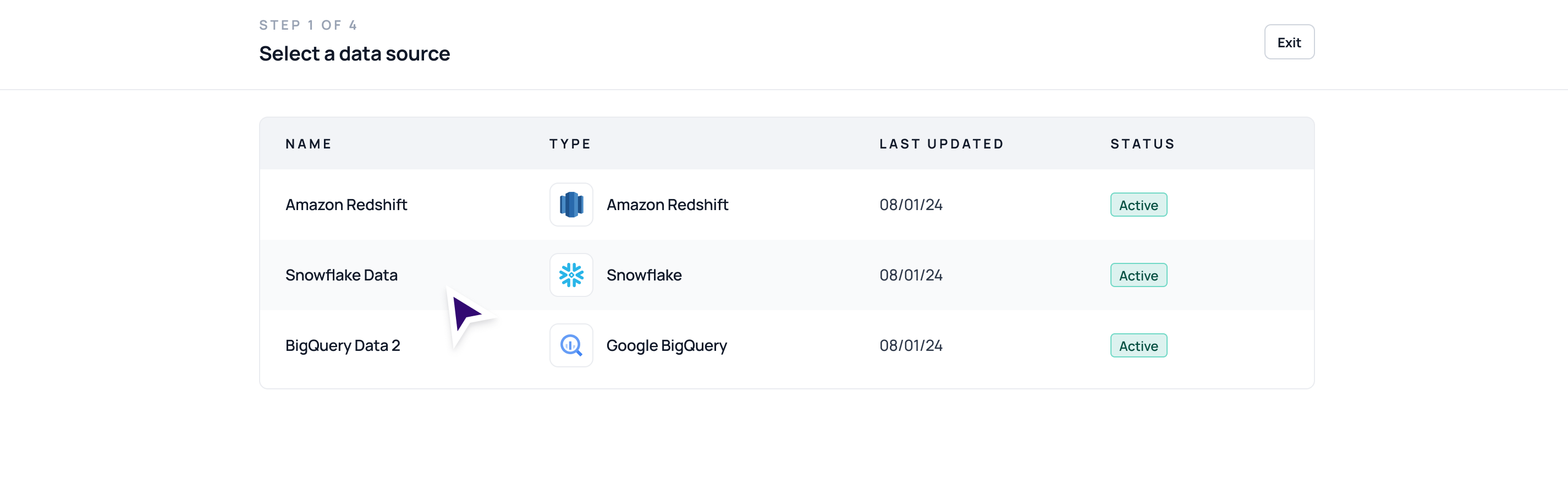
- Choose from the list of existing connected data warehouse sources. This source will be the foundation for your model.
Step 4: Select a Modeling Method
Based on your requirements, select one of the following modeling methods:- SQL Query: Define your model directly using an SQL query.
- Table Selector: For a straightforward, visual approach to model building.
- dbt Model: Ideal for advanced data transformation, leveraging the dbt framework.

Step 5: Define Your Model
If you selected the SQL Query method:- Write your SQL query in the provided field.
- Use the
Run Queryoption to preview the results and ensure accuracy.

Step 6: Finalize Your Model
Complete the model setup by:- Adding a name and a brief description for your model. This helps in identifying and managing your models within AI Squared.

Unique Primary Key Requirement
- Essential Configuration: Every model in AI Squared must be configured with a unique primary key. This primary key is pivotal for uniquely identifying each record in your dataset.
-
Configuring the Primary Key:
- During the final step of model creation, select a column that holds unique values from your dataset.
-
Importance of a Unique Key:
- A unique primary key is essential for effectively managing data synchronization.
- It enables the system to track and sync only the new or updated data to the designated destinations, ensuring data consistency and reducing redundancy.