> ## Documentation Index
> Fetch the complete documentation index at: https://docs.squared.ai/llms.txt
> Use this file to discover all available pages before exploring further.
# Airtable
# Destination/Airtable
### Overview
Airtable combines the simplicity of a spreadsheet with the complexity of a database. This cloud-based platform enables users to organize work, manage projects, and automate workflows in a customizable and collaborative environment.
### Prerequisite Requirements
Ensure you have created an Airtable account before you begin. Sign up [here](https://airtable.com/signup) if you haven't already.
### Setup
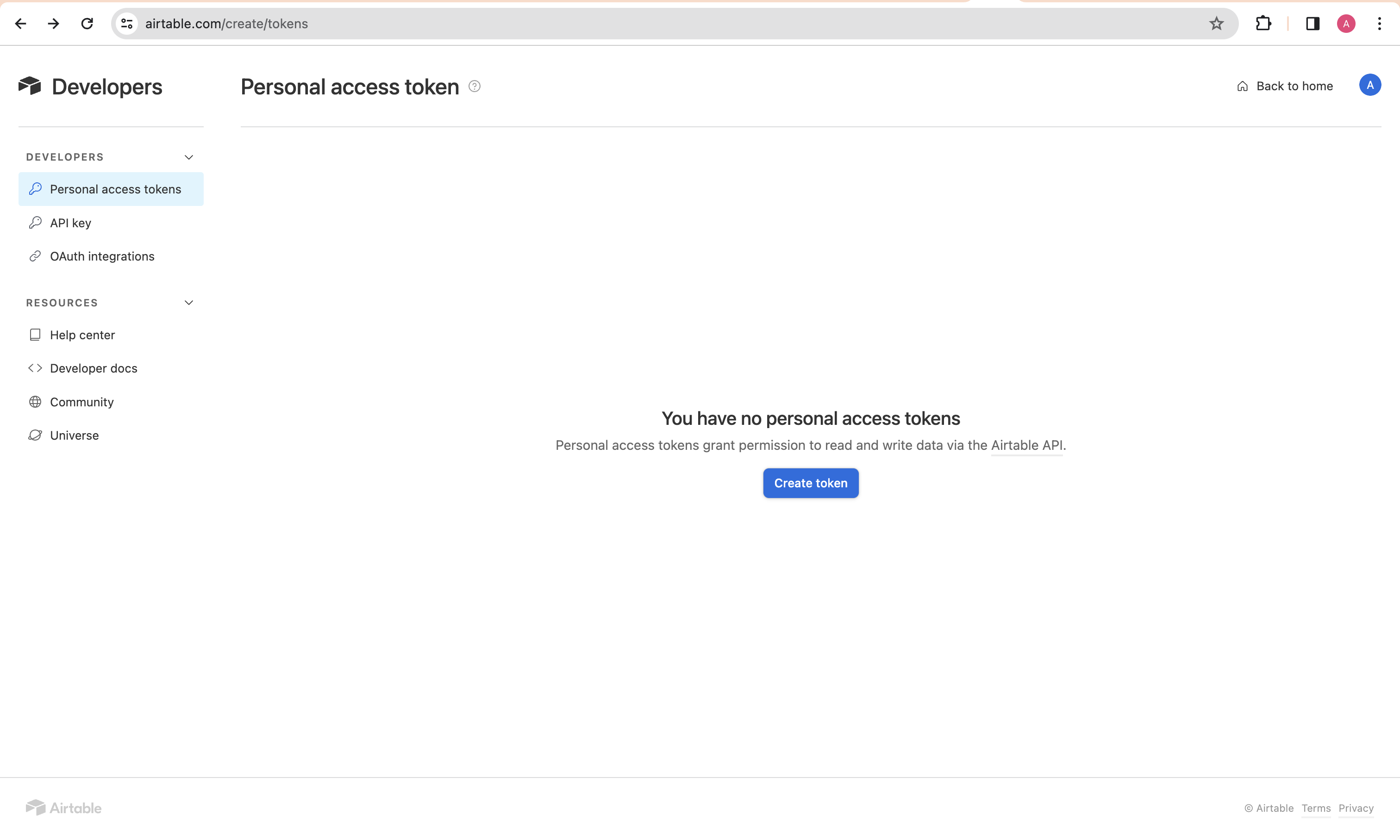
1. **Generate a Personal Access Token**
Start by generating a personal access token. Follow the guide [here](https://airtable.com/developers/web/guides/personal-access-tokens) for instructions.
 2. **Grant Required Scopes**
Assign the following scopes to your token for the necessary permissions:
* `data.records:read`
* `data.records:write`
* `schema.bases:read`
* `schema.bases:write`
2. **Grant Required Scopes**
Assign the following scopes to your token for the necessary permissions:
* `data.records:read`
* `data.records:write`
* `schema.bases:read`
* `schema.bases:write`
