> ## Documentation Index
> Fetch the complete documentation index at: https://docs.squared.ai/llms.txt
> Use this file to discover all available pages before exploring further.
# Platform Extension
The **Platform Extension** is a no-code method to bring AI-powered **Data Apps** into your everyday business tools (like Salesforce, HubSpot, or internal apps) using the AI Squared Chrome Extension.
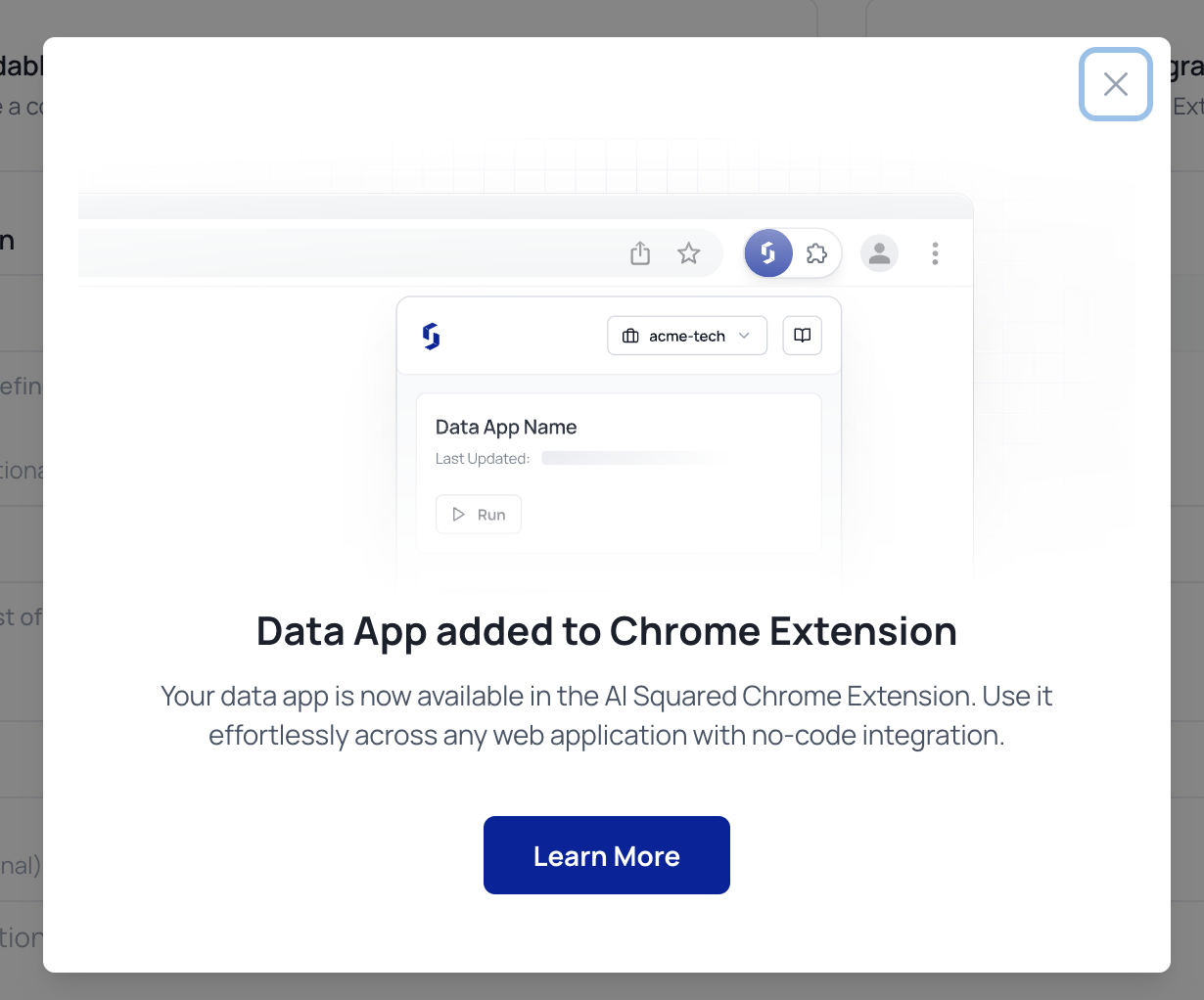
It allows business users to “pin” a Data App to specific screens without modifying the host application, perfect for surfacing insights exactly where decisions are made.
## Choose Integration Method
When creating or configuring a Data App, select your rendering method:
* **Embeddable Code**: Iframe-based embedding
* ✅ **No-Code Integration**: Uses the AI Squared Chrome Extension (Platform Extension)
 ## Install the Chrome Extension
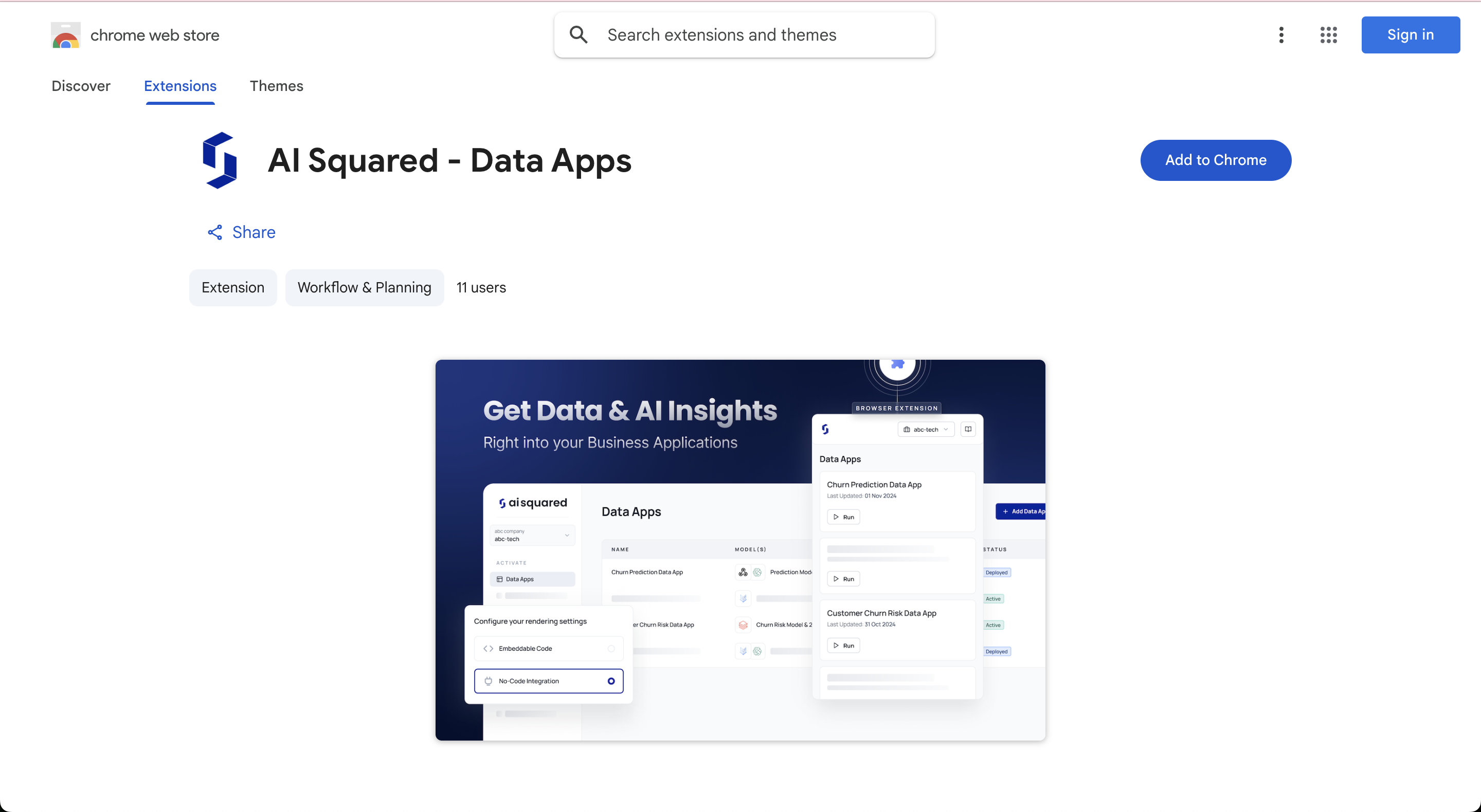
Install the **AI Squared – Data Apps** extension from the Chrome Web Store:
## Install the Chrome Extension
Install the **AI Squared – Data Apps** extension from the Chrome Web Store:
 ## Run a Data App in Any Web App
Once installed:
1. Open the business app where you want to run a Data App (e.g. Salesforce)
2. Click the AI Squared extension icon in your Chrome toolbar
3. Log in and select your organization
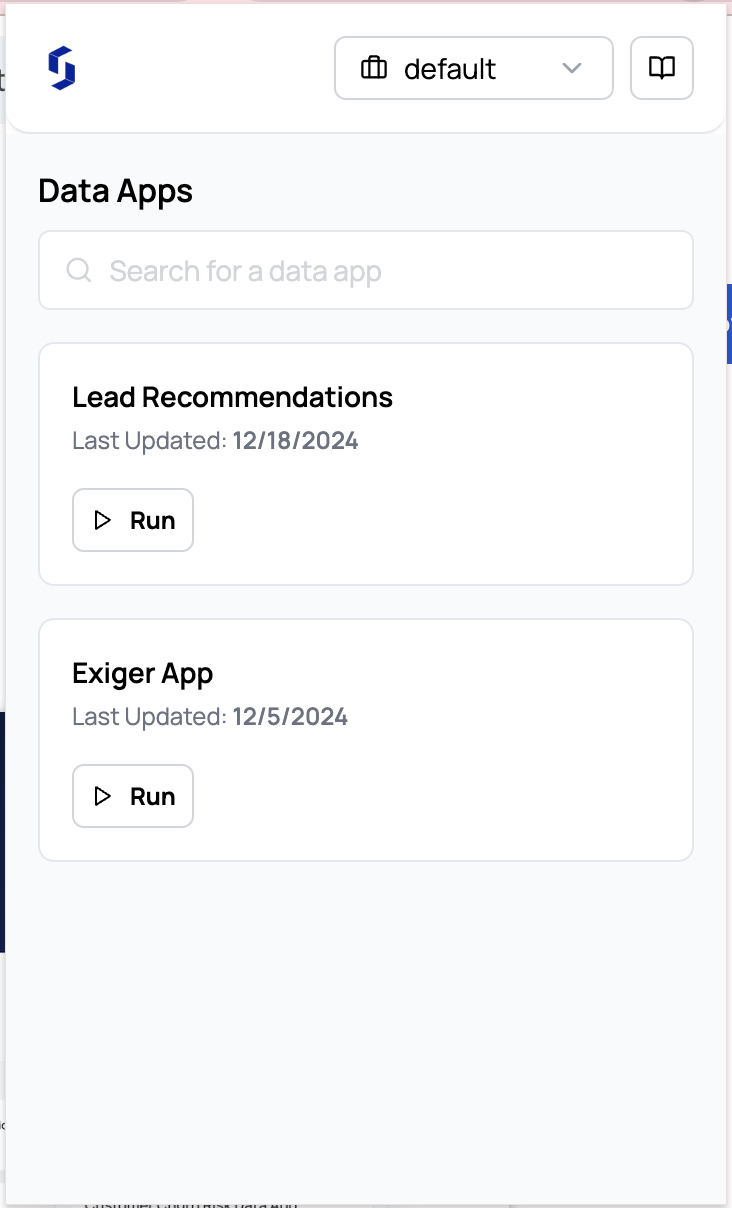
4. You'll see a list of **Data Apps** available to run
## Run a Data App in Any Web App
Once installed:
1. Open the business app where you want to run a Data App (e.g. Salesforce)
2. Click the AI Squared extension icon in your Chrome toolbar
3. Log in and select your organization
4. You'll see a list of **Data Apps** available to run
 ## Pin a Data App to a Page
You can pin a Data App to automatically render when a certain app or page loads.
* Click **Run** next to a Data App
* The extension remembers this page and keeps the app live until unpinned
* AI output is displayed in a floating panel on the right
## Pin a Data App to a Page
You can pin a Data App to automatically render when a certain app or page loads.
* Click **Run** next to a Data App
* The extension remembers this page and keeps the app live until unpinned
* AI output is displayed in a floating panel on the right
 ## Best Practices
* Use clear Data App names (e.g. “Lead Scoring” or “Support Next Action”)
* Pin insights where reps, agents, or analysts spend time
* Combine with **Feedback Capture** to evaluate performance
## Best Practices
* Use clear Data App names (e.g. “Lead Scoring” or “Support Next Action”)
* Pin insights where reps, agents, or analysts spend time
* Combine with **Feedback Capture** to evaluate performance